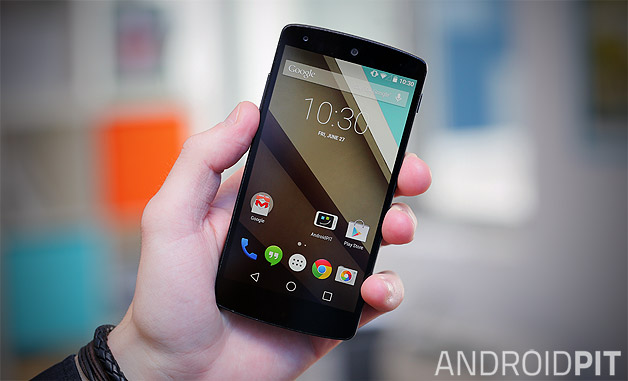
NEW YORK: Nexus 5 got the Android 5.0 Lollipop update and some Tips and Tricks have been directed for Nexus 5 users on Android 5.0 Lollipop.
Make better pictures


Nexus 5 had some issues with its camera, but it seems that those problems were fixed after updating the device to Android 5.0 Lollipop. Just set the default mode to HDR+ and watch how users picture will start looking better. Say goodbye to blurry pictures after updating users Nexus 5 to Android 5.0 Lollipop.
Print using the Cloud
To print documents, photos and images on Android Lollipop, users just need to have a printer connected to the same Wi-Fi network and enable Cloud Print Service. To activate it, go to Settings->Printing, then tap on Cloud Print and enable it.
Turning off Google Now
Google Now is very cool, but sometimes it’s just useless to let it enabled when users don’t use it. In this case users to turn it off and turn it back on when they really need it. This way, they will save some battery life also.
Faster way to Quick Settings
In order to get to Quick Settings on Android Kit Kat you had to swipe down to get into the notification centre and after that users had to tap on the upper right corner. Another way to get to Quick Settings was to swipe down with two fingers. In Lollipop users will get to the notification window by swiping down and if they swipe down one more time they will get to Quick Settings. Keep in mind that they can access it straight from the lock screen also.
Forget about Hangouts
Users don’t have to use Hangouts just because Google recommends them. Instead, Android 5.0 Lollipop suggests users to just install and use another messaging application such as Viber, Tango or Kik.
Root their Nexus 5
If users want to take full control of their Nexus 5, they will have to install a custom ROM. This way, they will be able to remove the default applications and install applications that require root access. There are already a lot of tutorials over the internet that shows how to root their Google Nexus 5 on Android 5.0 Lollipop.
Saving their battery life
Do users have problems in keeping your Nexus 5 “alive” for an entire day? This could be caused by some settings that are enabled by default. While Android Lollipop comes with the battery saver mode, that doesn’t mean it can keep their phone alive the entire day if they don’t change some settings. Users should disable the constantly searching for Wi-Fi feature and limit the amount of GPS requests that their device makes.
To do this, go to Settings->Wi-Fi->Advanced Options and decide what users want to disable while their phone is in sleep mode. They can also disable the GPS and use Wi-Fi and mobile networks to determine their location. While this will most likely reduce the accuracy of the localization services, it will also save a lot of battery.