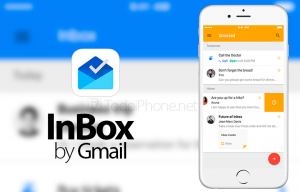
LONDON: Inbox by Gmail app update is rolling out which allows users to set a custom time and date for snoozed email reminders. Users can also adjust the preset time reminders in the app.
As everyone has not the same workday hour. Here’s how to change the preset times for easily snooze an email for the appropriate hour:


Step 1: Open the left-hand slide-out menu in Inbox by Gmail and choose Settings.
Step 2: Choose the account you want to change the preset values for.
Step 3: Select Snooze settings and then adjust each to an hour that fits into your schedule.