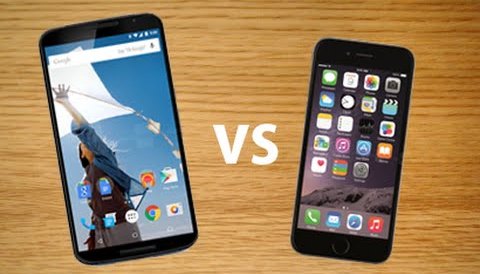
NEW YORK: Fans are lucky enough to get hands on the latest Nexus 6. The first thing users will notice is that the device is huge and they might find it a bit hard to write on Facebook, send text messages or emails. Here are some tips and tricks about Nexus 6, which will help them get used to their phablet.
Resizing the UI


In case users have small hands, then they made a mistake buying this large phone. However, they can solve this issue by installing Swiftkey, which is a comfortable keyboard that can be positioned anywhere they want. Once users have installed the Swiftkey application, make it their default keyboard. In case users have problems with the entire UI and not only the keyboard, they can solve this issue by installing Xposed Framework. However, for this they will need to have root access on their device. In case users don’t have root access, there is nothing they can do about it.
Notifications
The Android 5.0 Lollipop comes with some awesome notifications settings. In case users don’t want to receive notifications from a specific application, they can just turn it off. To do this, go to Settings->Sound & Notifications and from there choose the application they want to get notification from and the ones that they want to block.
“Disable” the vibrations
Until now, when user were pushing the volume button several times, you could set thier phone in silent mode and this way user could also disable the vibrations. However, now even when the volume is down user can’t disable vibration. user can solve this issue by installing Silent Mode Lollipop application which will be able to block any sound without interrupting notifications.
Messenger application by Google
Google has released a “Messenger” application that it’s quite easy to use and comes with a great colorful design that users will enjoy. This application can be set as user default MMS/SMS application by going to Settings->More->Default SMS Application and choose Messenger.
Restricting access for Guests
Android 5.0 Lollipop allows users to make multiple accounts, like on their Windows PC. This way, they will be able to create.
Guest account that user’s friends/kids can use. Users will share their Nexus 6 with others without worrying that they will look into their personal stuff or change the device.